

 English
 ພາສາລາວ
ຄົ້ນຫາ


Umoney – ແພລດຟອມການເງິນດິຈິຕອລ ທີ່ຄຽງຄູ່ທ່ານສະເໝີ

ມີຄວາມເຫັນອົກເຫັນໃຈ ແລະ ໜ້າເຊື່ອຖື

ລະບົບນິເວດການເງິນ ແລະ ການຊຳລະທີ່ຄົບວົງຈອນ

ເພື່ອນຄູ່ໃຈທີ່ເປັນມິດ ຢູ່ຄຽງຂ້າງທ່ານສະເໝີ
ດາວໂຫຼດ Umoney ດຽວນີ້


ບໍລິການ
ມີຫຼາກຫຼາຍຟັງຊັ້ນ ໃຫ້ໃຊ້ງານແບບບໍ່ອັ້ນ ພ້ອມຊໍາລະເງິນຟຼີ ໂອນ-ຈ່າຍ ງ່າຍດາຍທຸກທີ່ທຸກເວລາ

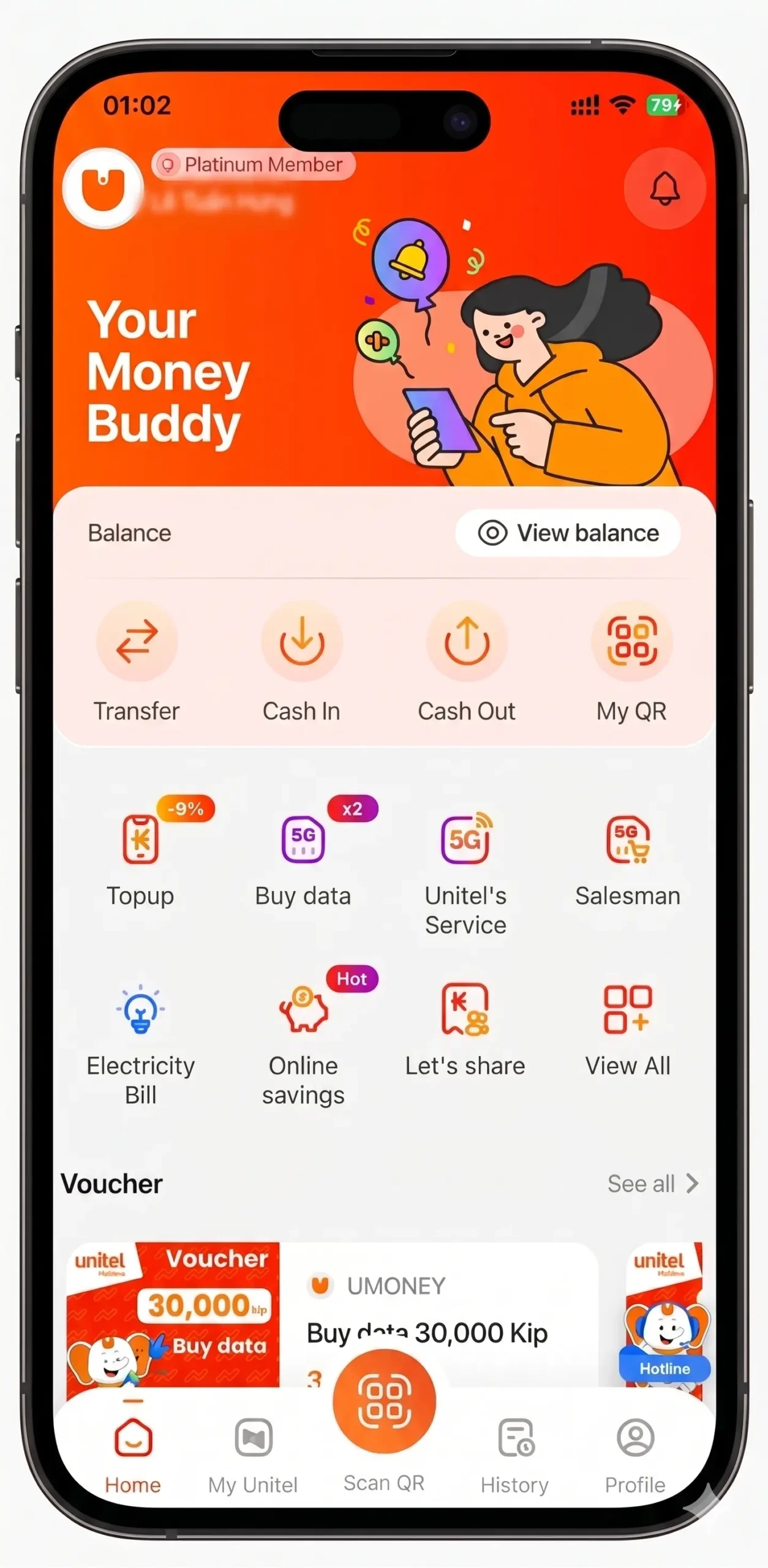
ໂອນເງິນ
- ໂອນເງິນ ສະດວກ, ວ່ອງໄວ, ທຸກທີ່ທຸກເວລາ. ໂອນເງິນຟຣີຄ່າທຳນຽມສຳລັບທຸລະກຳຕ່ຳກວ່າ 2.000.000 ກີບ

ເຕີມເງິນ
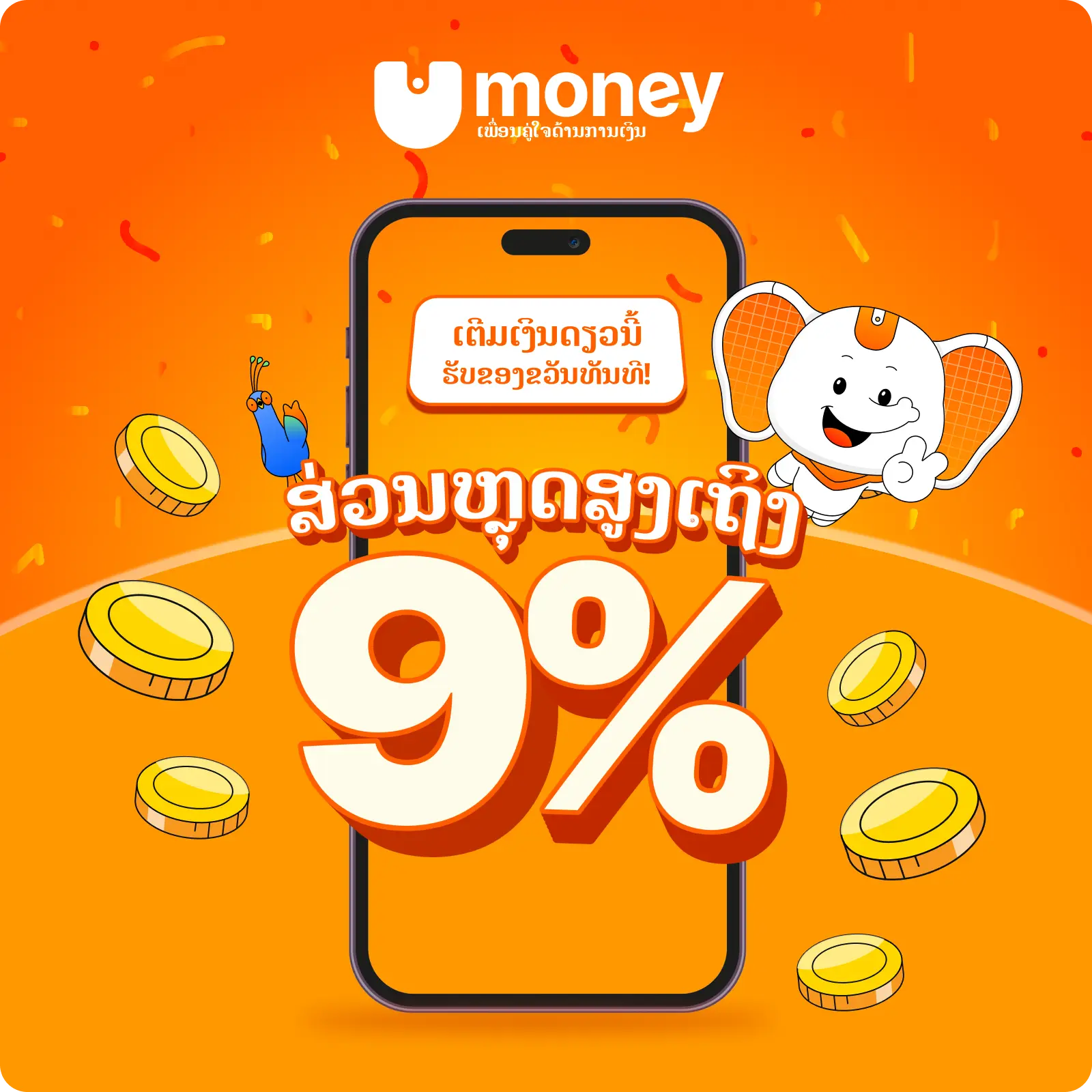
- ສ່ວນຫຼຸດ 9% ສຳລັບການເຕີມໃຫ້ເບີຕົນເອງ ໃນເຄືອຂ່າຍ Unitel
- ສ່ວນຫຼຸດ 7% ເມື່ອເຕີມເງິນໃຫ້ເບີໂທອື່ນ ໃນ Unitel
- ສ່ວນຫຼຸດ 3% ສຳລັບເຄືອຂ່າຍ ETL

ຊື້ດາຕ້າ
- ແພັກເກດລາຍອາທິດ: ສ່ວນຫຼຸດ 5% ຫຼື ດາຕ້າ X2
- ແພັກເກດລາຍເດືອນ: ສ່ວນຫຼຸດ 10% ຫຼື ດາຕ້າ X2
- 3–12 ເດືອນ: ສ່ວນຫຼຸດ 15% ຫຼື ດາຕ້າ X2
ຜົນງານ ແລະ ຕົວເລກທີ່ໂດດເດັ່ນ

2,000,000+
ລູກຄ້າທີ່ໄວ້ວາງໃຈນຳໃຊ້

18
ແຂວງ ແລະ ນະຄອນຫຼວງ

40,000+
ຕົວແທນຄອບຄຸມທົ່ວປະເທດ

100%
ເຊື່ອມຕໍ່ທຸກທະນາຄານໃນ LAPNet
ທຸລະກຳທີ່ປອດໄພ ແລະ ໜ້າເຊື່ອຖື
Umoney ຮັບປະກັນຄວາມປອດໄພສູງສຸດ ສຳລັບທຸກທຸລະກຳ ການໃຊ້ງານຂອງຜູ້ໃຊ້
 ການຢືນຢັນຕົວຕົນ 2 ຊັ້ນ (2FA) ຜ່ານ PIN ແລະ OTP
 ເຂົ້າສູ່ລະບົບຢ່າງປອດໄພດ້ວຍລາຍນິ້ວມື ແລະ ໃບໜ້າ
 ເຂົ້າລະຫັດຂໍ້ມູນຂັ້ນສູງ ຄຸ້ມຄອງໂດຍທະນາຄານແຫ່ງ ສປປ ລາວ
ລົງທະບຽນ ແລະ ເຕີມມູນຄ່າໂທດຽວນີ້
ງ່າຍຫຼາຍ
ມີຫຼາກຫຼາຍຟັງຊັ້ນ ໃຫ້ໃຊ້ງານແບບບໍ່ອັ້ນ ພ້ອມຊໍາລະເງິນຟຼີ ໂອນ-ຈ່າຍ ງ່າຍດາຍທຸກທີ່ທຸກເວລາ
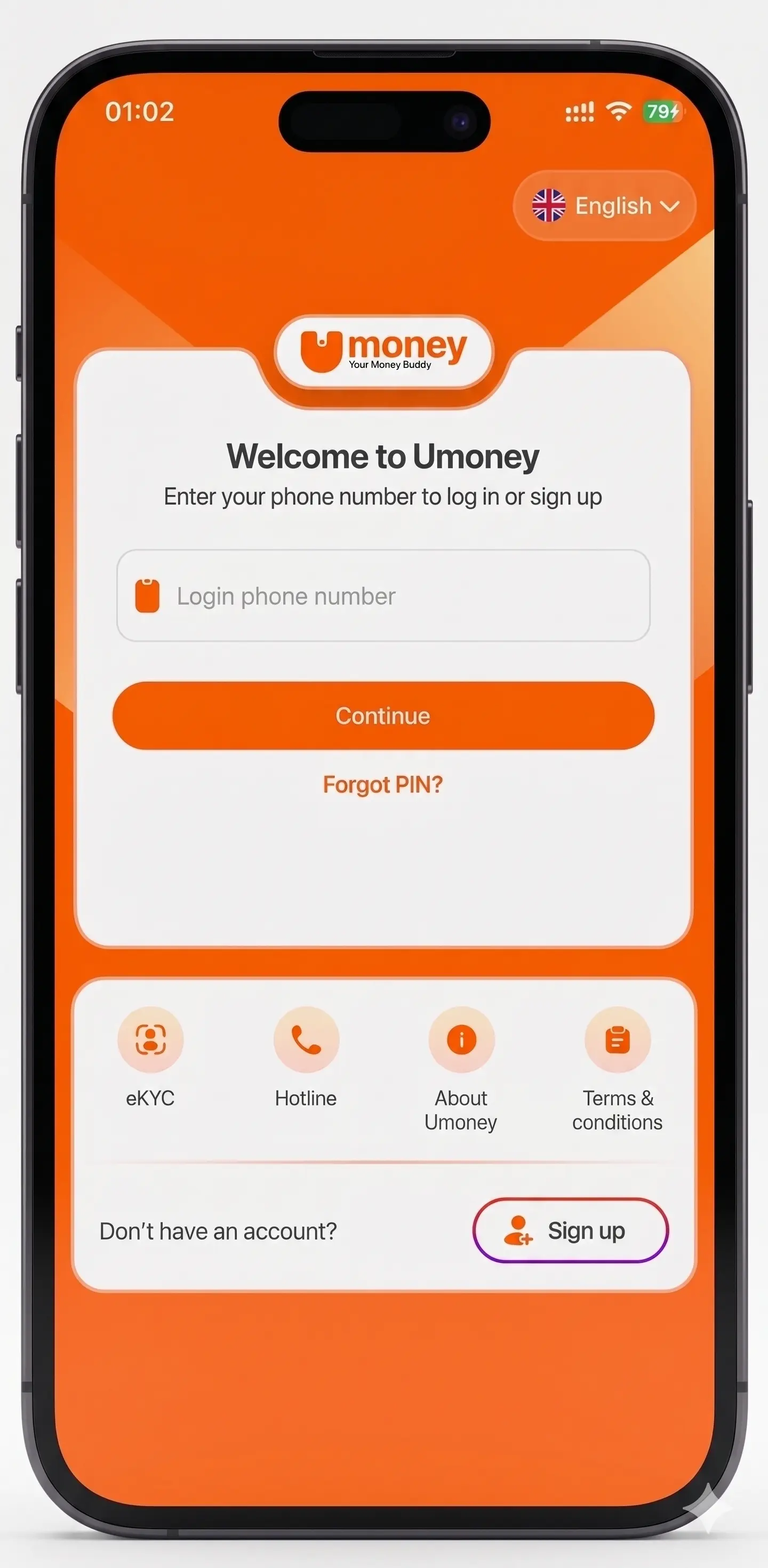
1
ດາວໂຫຼດ Umoney
- ຄົ້ນຫາ Umoney ໃນ App Store ຫຼື Play Store ແລະ ຕິດຕັ້ງຟຣີ
2
ໃສ່ເບີໂທລະສັບ ແລະ ຢືນຢັນລະຫັດ OTP ທີ່ສົ່ງຜ່ານ SMS
3
ຕັ້ງຄ່າໂປຣໄຟລ໌
- ເລືອກ “ໂປຣໄຟລ໌” ໃນໜ້າຫຼັກ ແລ້ວຕື່ມຂໍ້ມູນ
4
ປະຕິບັດຕາມຄຳແນະນຳ — ສຳເລັດການລົງທະບຽນ
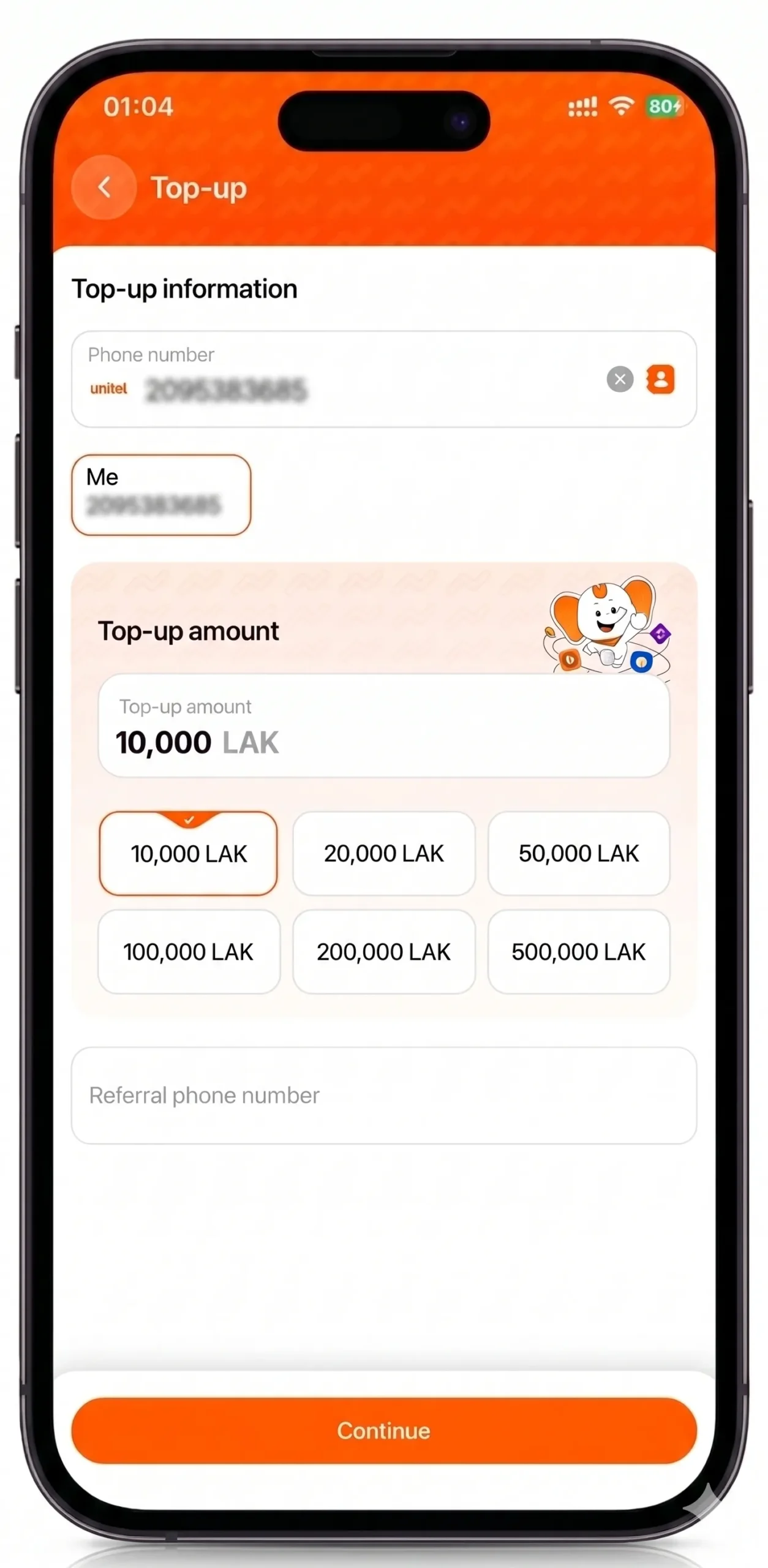
1
ເອົາເງິນເຂົ້າບັນຊີ ໂດຍຜ່ານຊ່ອງທາງ ຮ້ານຄ້າຕົວແທນ Umoney & Unitel
- ໃນໜ້າຈໍຫຼັກ ເລືອກ “ເອົາເງິນເຂົ້າ” → “ຝາກຜ່ານທະນາຄານ” ຫຼື “ຝາກຜ່ານ POS”
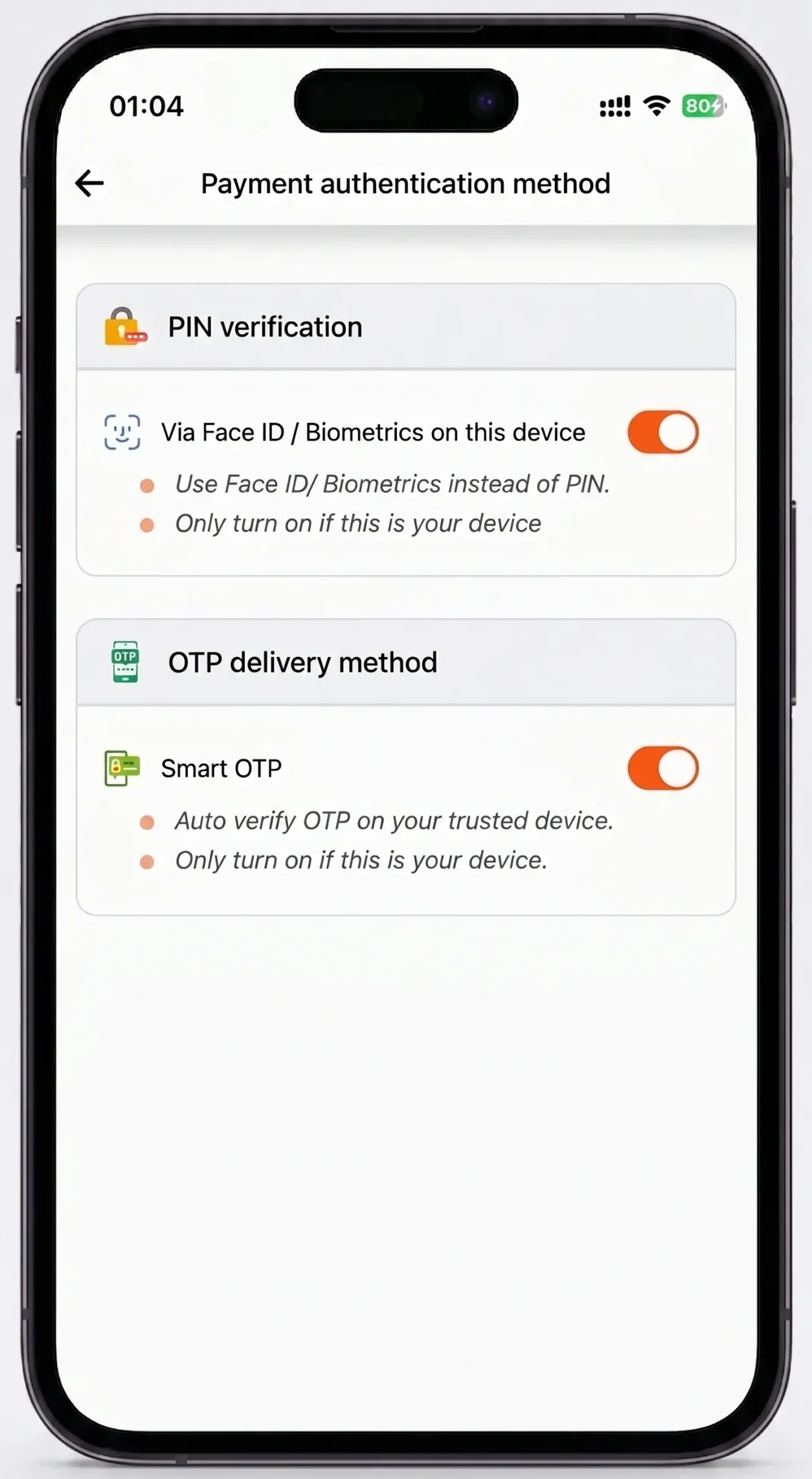
1
ຕັ້ງ Face ID / ລາຍນິ້ວມື
- ການຕັ້ງຄ່າ → “ວິທີການຢືນຢັນການຊໍາລະ” → ເລືອກ Face ID ຫຼື ນິ້ວມື ສຳລັບການເຂົ້າສູ່ລະບົບທີ່ວ່ອງໄວ
2
ຮັບຂໍ້ຄວາມ OTP ພາຍໃນ 1 ວິນາທີ
- ຮັບລະຫັດຢືນຢັນຂອງທ່ານ ທັນທີຜ່ານ SMS
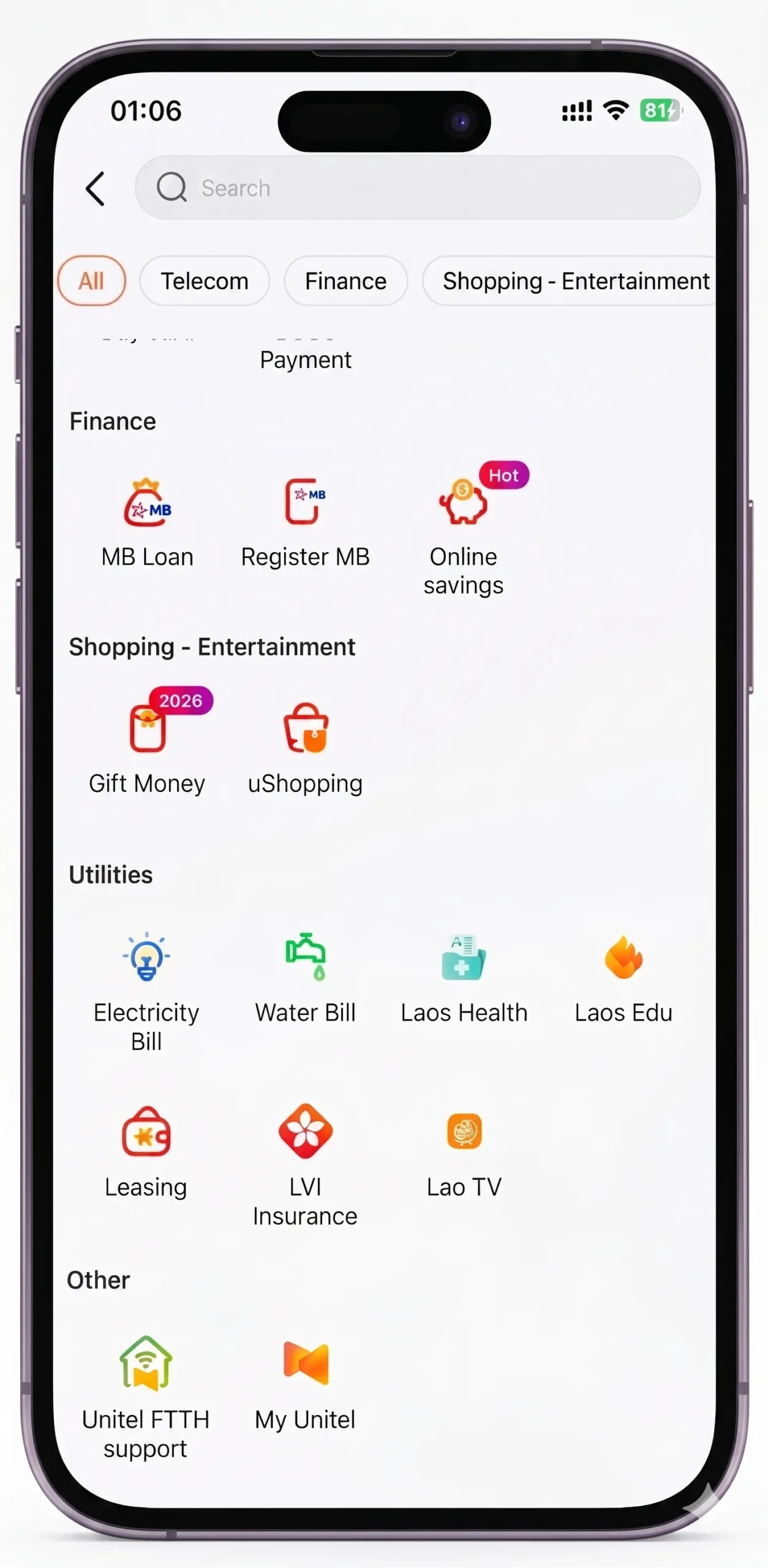
1
ໂອນເງິນທັນທີ
- ໂອນເງິນຂ້າມທະນາຄານໄດ້ທັນທີ ໂດຍບໍ່ມີຄ່າທຳນຽມ – ພ້ອມບໍລິການຕະຫຼອດ 24 ຊົ່ວໂມງ
2
ຮັບດອກເບ້ຍອັດຕະໂນມັດກັບ Umoney
- ຮັກສາຍອດ 500,000 ກີບ+ ແລ້ວຮັບດອກເບ້ຍລາຍເດືອນ ເມື່ອເຮັດທຸລະກຳເຕີມ ຫຼື ຊື້ດາຕ້າ
3
ຊໍາລະຄ່າຮຽນໄດ້ທັນທີ ດ້ວຍ Umoney
- ໃຫ້ທຸກການຊຳລະ ເປັນເລື່ອງງ່າຍດາຍ
1
ການຊໍາລະທີ່ລ່ຽນໄຫຼ ບໍ່ມີສະດຸດ
- ຊໍາລະເງິນໄດ້ທຸກທີ່ ທຸກເວລາ ດ້ວຍ Umoney
2
ຂໍ້ສະເໜີພິເສດ ສຳລັບ FTTH, ໄຟຟ້າ, ນ້ຳ
- ເພີດເພີນໄປກັບ ສິດທິພິເສດ ແລະ ລາງວັນ ເມື່ອຊໍາລະຄ່າບໍລິການພາຍໃນບ້ານ
1
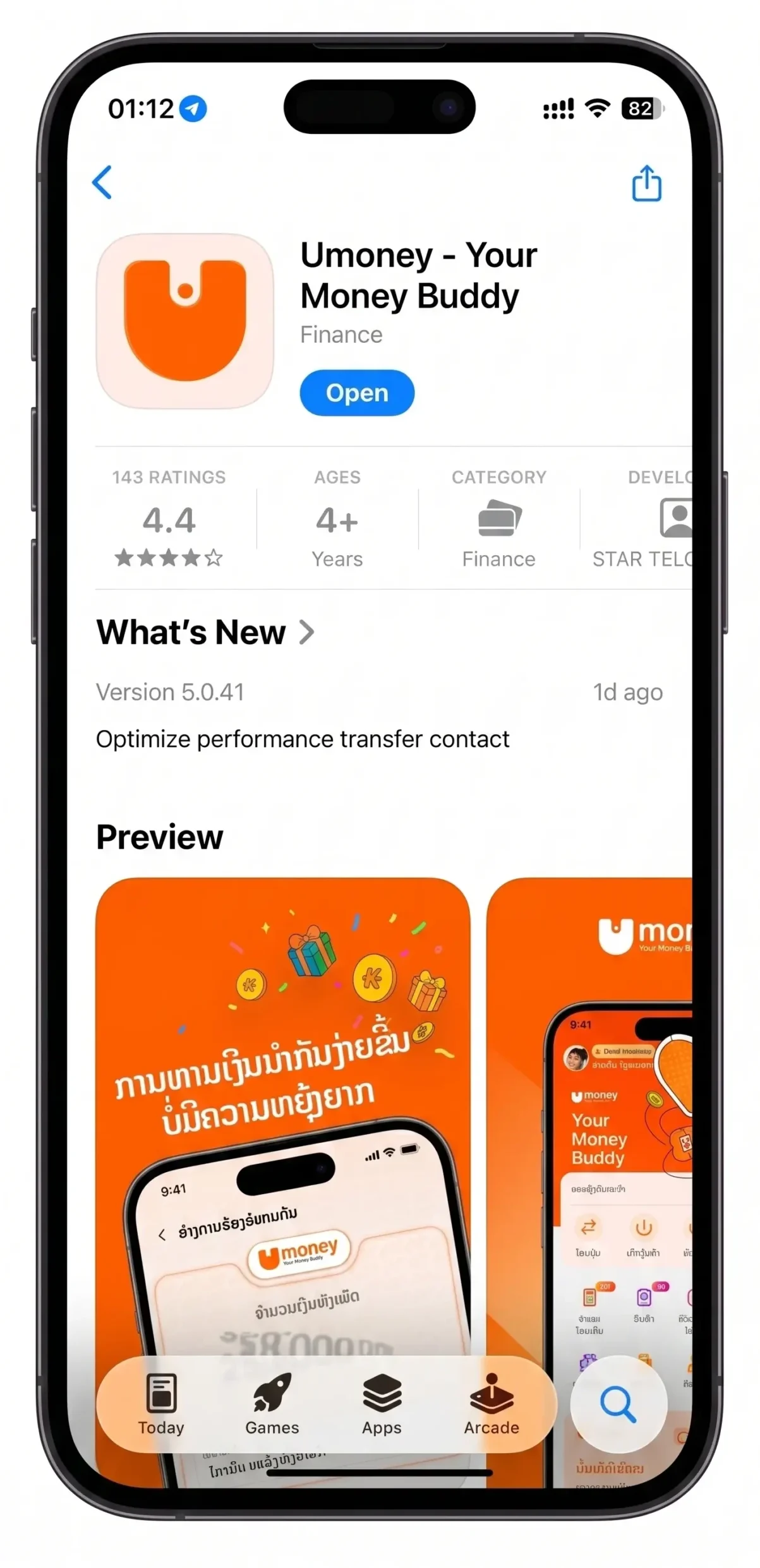
ດາວໂຫຼດ Umoney ທີ່ App Store ແລະ Google Play
- ດາວໂຫຼດຕອນນີ້ ຮັບໂປຣໂມຊັນພິເສດອີກຫຼາກຫຼາຍ
2
ລົງທະບຽນ ແລະ ຢືນຢັນຕົວຕົນ (KYC)
- ຢືນຢັນ KYC ມື້ນີ້ ຮັບທັນທີ 10,000 ກີບ ພ້ອມຂອງລາງວັນ
ຄຳຖາມ
ເຂົ້າໄປທີ່ App Store ຫຼື Google Play, ຄົ້ນຫາແອັບ Umoney, ແລະ ດາວໂຫຼດແອັບ.
ຂໍ້ມູນບັນຊີຜູ້ໃຊ້ໄດ້ຮັບການຢັ້ງຢືນ ແລະ ອັບເດດ ໂດຍອີງໃສ່ເອກະສານຢັ້ງຢືນຕົວຕົນ. ຖ້າຫາກຕ້ອງການປ່ຽນແປງ ຫຼື ອັບເດດຂໍ້ມູນ ກະລຸນານຳບັດປະຈຳຕົວທີ່ລົງທະບຽນ ໄປສູນບໍລິການ Unitel ເພື່ອຮັບຄວາມຊ່ວຍເຫຼືອ.
ຂໍ້ມູນການເຮັດທຸລະກຳ ຈະສະແດງໂດຍກົງໃນແອັບ Umoney ພ້ອມລາຍລະອຽດຄົບຖ້ວນໃນເມນູ “ປະຫວັດ”.
ຫຼັງຈາກດາວໂຫຼດ Umoney ແລ້ວ, ໃຫ້ຕື່ມຂໍ້ມູນສ່ວນຕົວ ທັງໝົດ, ລວມທັງຊື່ເຕັມ, ວັນເດືອນປີເກີດ, ເພດ, ເບີໂທລະສັບ ແລະ ພາສາ, ຈາກນັ້ນເລືອກ “ຢືນຢັນ”.