
SUPPORT
Umoney is always here for you
Register and Top up right now SUPER EASY
Access hundreds of features with free payments. Conduct transactions, make payments, and transfer funds conveniently anytime, anywhere.
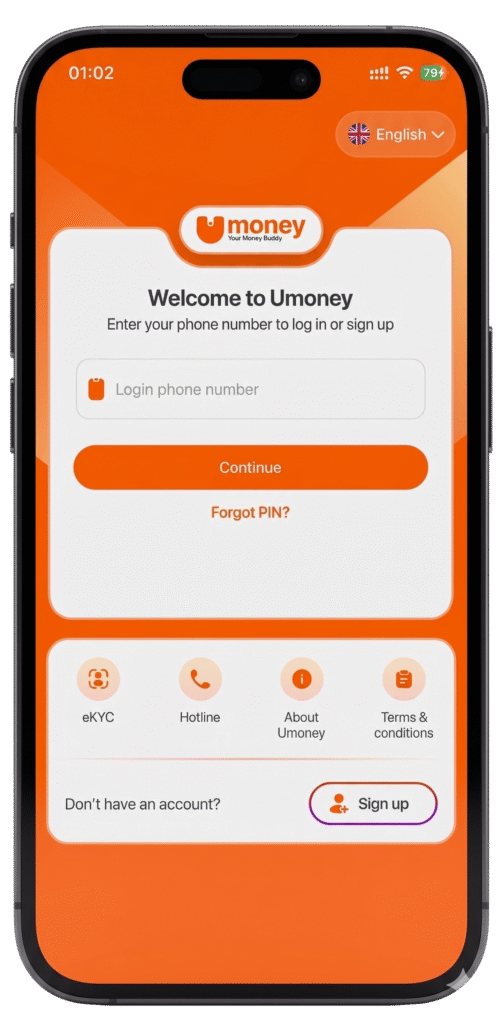
- Download Umoney
- Search Umoney on App Store or CH Play and install free
- Enter your phone number and verify the OTP sent via SMS
- On the Home screen, select “Profile” and then “Profile”
- Follow the instructions – Complete your registration
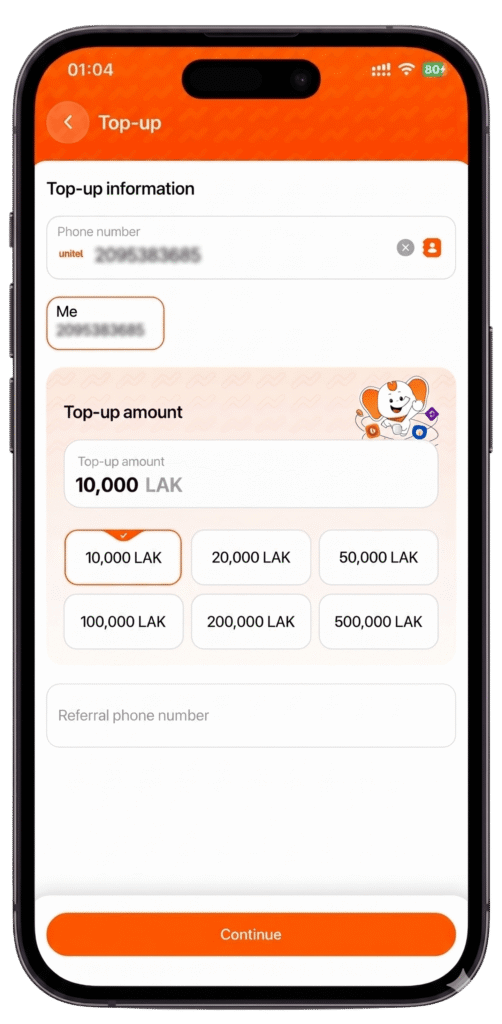
- Top up easily via bank transfer or at Umoney & Unitel agent
- In Home screen, select “Cash in”, then select “Cash in at bank” for bank account or “Cash in at POS” for direct Umoney/Unitel Agent
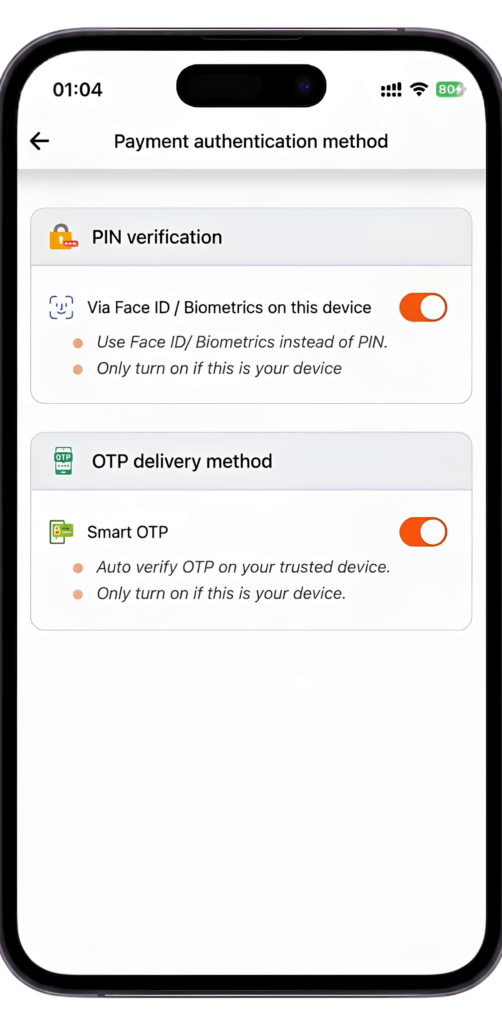
- Set up Face ID or Fingerprint Authentication
- From your “Profile”, tap “Settings” and select “Payment Authentication Method”. Set up Face ID or Fingerprint recognition for a fast and seamless login next time.
- Receive messages in 1 second
- Receive your verification code in just 1 second via SMS.
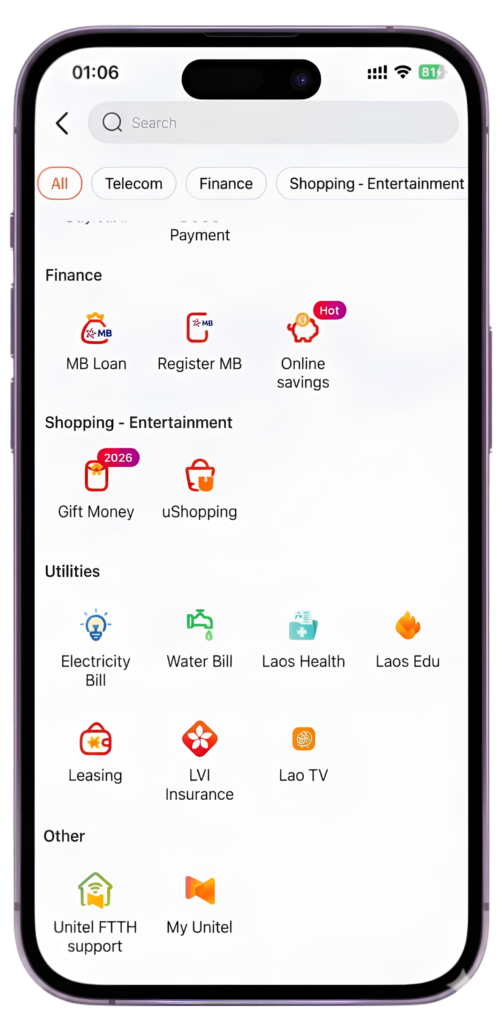
- Instant Money Transfer
- Execute immediate interbank transfers with zero fees – Available 24/7
- Auto-Earning with Umoney
- Simply maintain a balance over 500,000 Kip and use any service to receive monthly interest
- Pay School Fees Instantly with Your Umoney
- Every payment made simple with Umoney
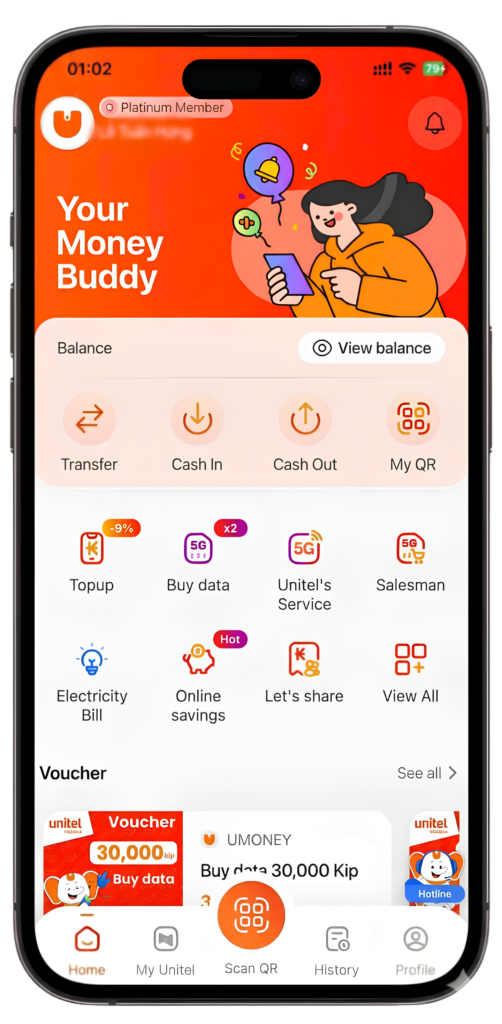
- Seamless Payments
- Pay anytime, anywhere with Umoney
- Home Service Special Offers
- Enjoy massive rewards on home services including FTTH, electricity, and water bill payments
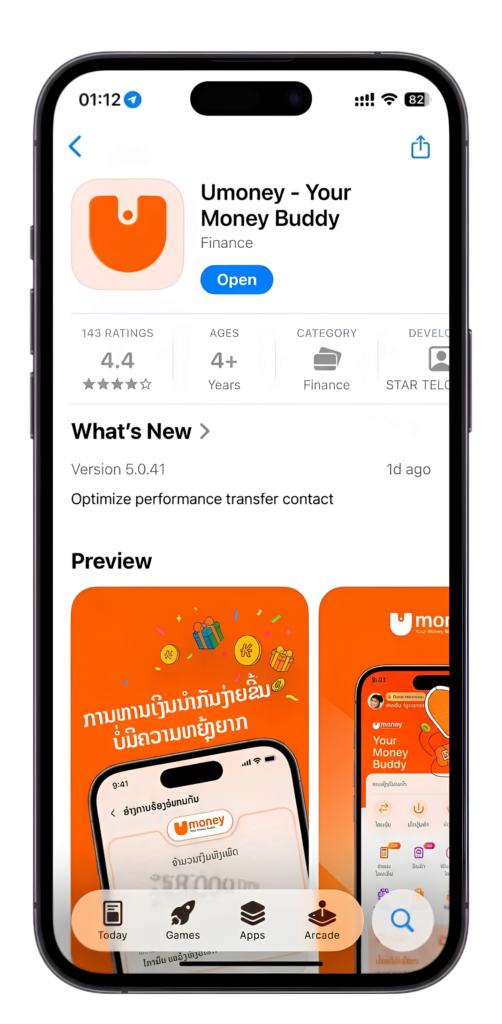
- Download Umoney on App Store & Google Play
- Download Umoney now for ultimate convenience and more promotions
- Register & Verify Your Account
- Complete your KYC today to instantly receive 10,000 KIP and many other valuable rewards